Manual / Settings
Settings
The gear icon opens the Settings page. The sections sit on a single screen, one below the other.
What is in each section
| Section | What it is for |
|---|---|
| General | Theme (System, Light, Dark), language, system resource use, zoom, run mode, Node.js, apps folder and app version. The license and updates are on the Account page (person icon in the menu). |
| Workflow | Default chat mode, app blueprint, tests, automatic preview, notifications and suggested next requests. |
| AI | Maximum tool calls, instructions for every app and context compaction. |
| Model providers | OpenAI, Anthropic, OpenRouter, OmniRoute and custom providers. |
| Integrations | Dokploy and your own databases. |
| Build and Agent permissions | For each tool (installing packages, running SQL, searching the web, committing, publishing…), whether the AI should Ask first. |
| Advanced | Running scripts in a sandbox, blocking unsafe npm packages and SQL confirmation. |
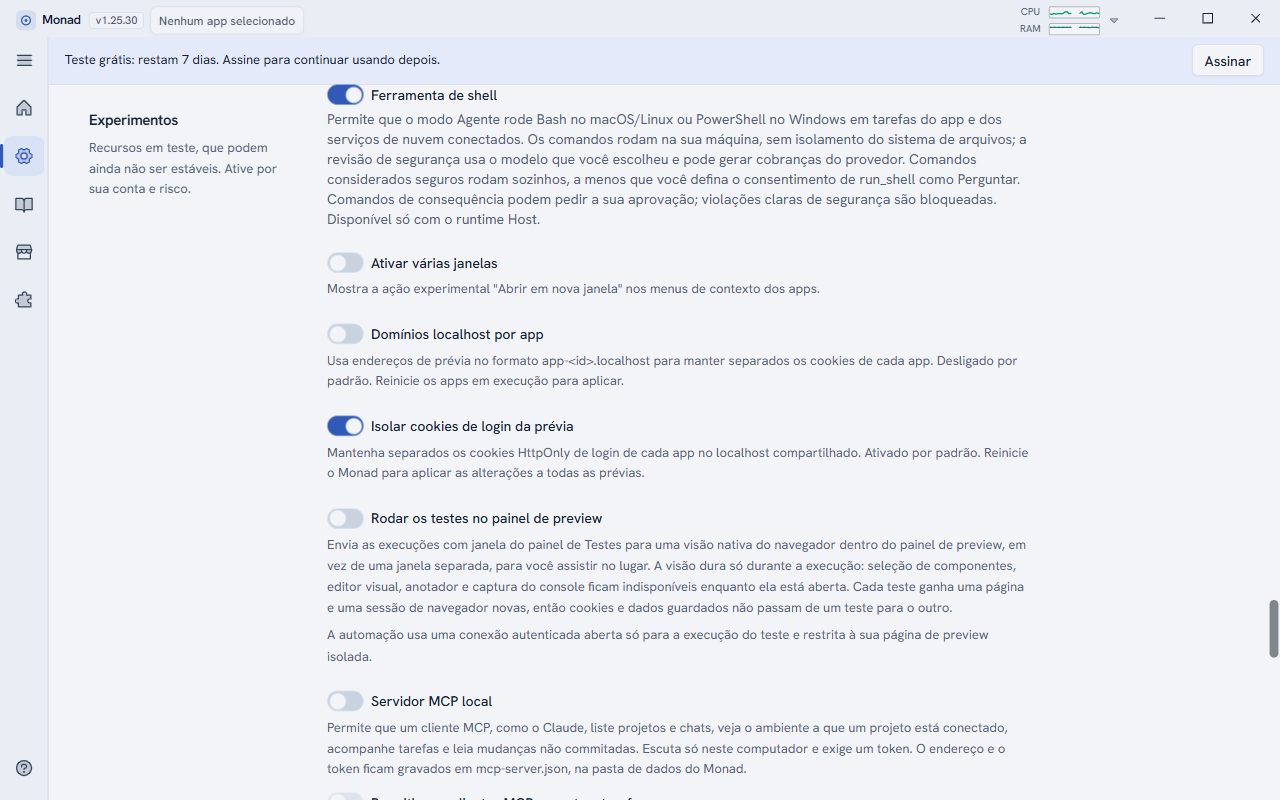
| Experiments | Features under test: shell tool, cookie isolation, local MCP server, Cloudflare, local agent, code explorer and more. |
| Sub-agents | The model for each helper (Explorer, Reviewer, Implementer) and the prompt improver. |
| Danger zone | Reset everything deletes all apps, chats and settings. It cannot be undone. |
Tool permissions
Under Build and Agent permissions, each tool has a list with the Ask choice (the AI asks for your approval) and other options. If you prefer more control, leave it on Ask; for tools you trust and use a lot, allow them. The Tools allowed by default line shows how many are already allowed.
Language and theme
The interface is available in English, Spanish and Portuguese (Brazil and Portugal). In Settings > General you choose the language and the theme (light, dark or the system's). Your requests to the AI can be in any language.